Nehmen Sie an der AI + Data Tour teil und profitieren Sie von praktischen Schulungen, echten Kundengeschichten und dem Austausch mit Domo-Produktexperten in Ihrer Nähe.
Jetzt registrieren

Nav Customization
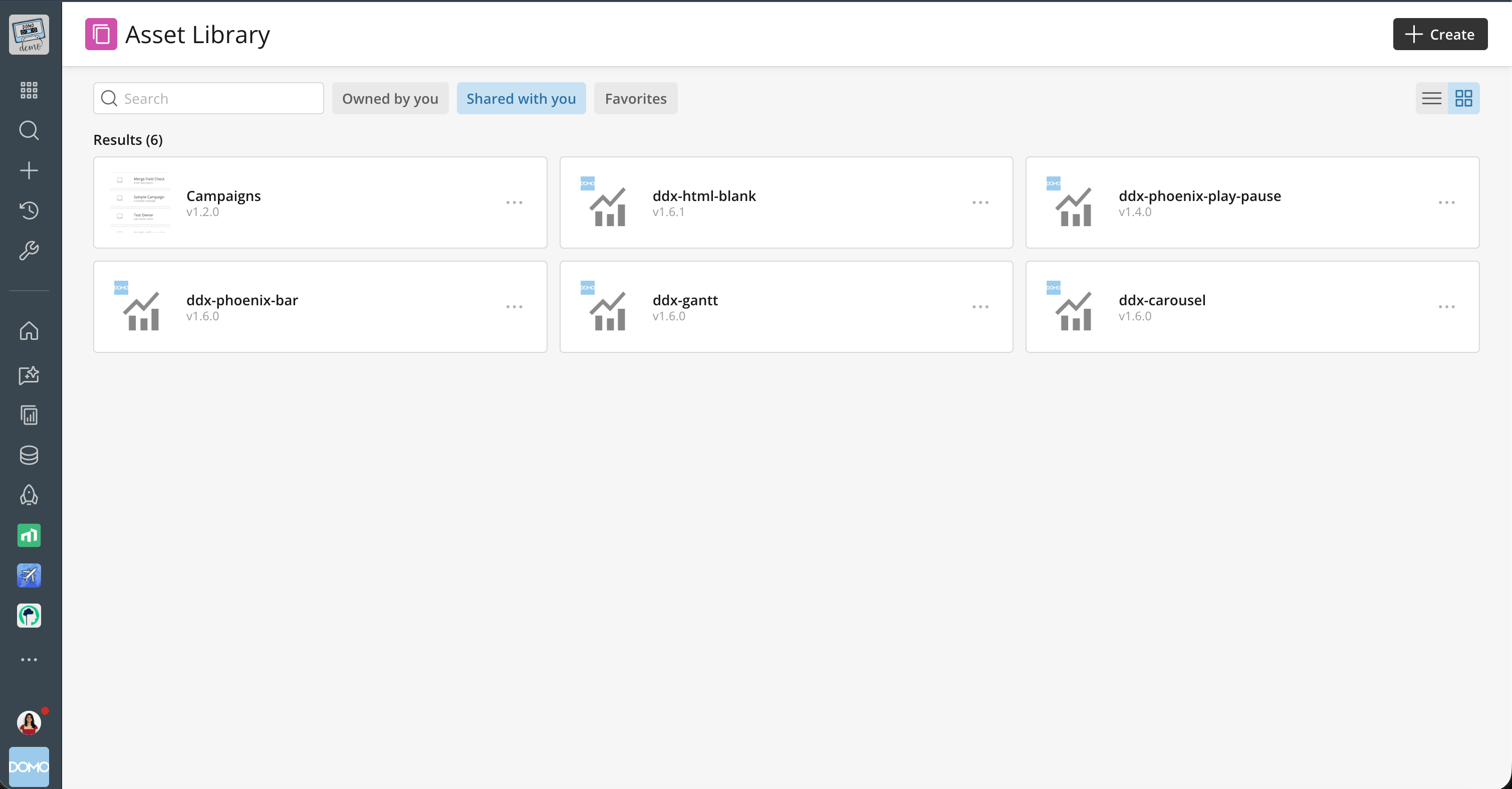
Pin and organize content in your left nav in fewer steps. A new Add menu replaces the pin modal's content-type tabs with a single dropdown and puts Folder (formerly submenu) right beside it, instead of inside the Location settings. The same streamlined flow works whether you’re editing your own nav or building a nav config for your organization, and it’s also where you’ll add new pin types like Smart Folders.
Learn more about customizing and pinning content in your left navigation.
Nav Smart Folders
Pinning content to your nav only goes so far: there was no way to surface a live list of content by type, like all the cards you can access or everything you own. Nav Smart Folders fill that gap with live collections of your Domo content, organized by type or ownership, right in your left nav and Workspaces. Prebuilt Smart Folders cover dashboards, apps, cards, datasets and more, plus personal views like Owned by Me, Created by Me, and Recents. Add one via Edit > Add > Smart Folder, or alongside folders in a Workspace as a read-only view. Each shows only content you have permission to see and updates automatically as content is created, shared or removed, so you can find what you need in fewer clicks. Smart Folders work on web and mobile.
Learn more about adding a Smart Folder to your navigation.
Permissions-aware Nav Configs
Share one curated nav with everyone and let permissions decide what each person sees. With permissions-aware nav configs, a pin appears only for users who can access its content. Admins can build one nav for a team or organization instead of separate versions for each access level. Users get a cleaner nav with no dead-end links, and admins spend less time maintaining configs.
Learn more about permissions-aware content pins in Navigation Configs.

Domo transforms the way these companies manage business.