Join the AI + Data Tour for hands-on training, real customer stories, and time with Domo product experts near you.
Register now
"The spreadsheets were just becoming a sea of confusion," said Curtis Philyaw, global product manager at Altimate Medical. "They provided great data with one view."
But, often, Curtis would get in a meeting, and a stakeholder would ask for "just one more view" of a dataset that wasn't captured in that particular pivot table.
"Of course, the response was, yeah no problem I could do that,'" Curtis remembered. "But inside, I was like, 'Oh my goodness, it took me three hours just to get this.'"
This kind of scene plays out for operations teams everywhere. At Domo BUILD 2026, Curtis walked through how he traded that spreadsheet sea for a single governed app.
Altimate Medical is a complex rehab technology manufacturer with a six-brand portfolio and more than 50 field reps, so the spreadsheet sprawl was real. What makes his story worth attention is that he describes himself as non-technical, yet he still shipped an app that hands reps AI-generated contributing factors and suggested next steps.
Keep reading for the layered framework behind his build, recreated so any data or sales-ops team can follow the same path.
Fragmentation was the enemy, not a lack of data. Curtis had spreadsheet after spreadsheet, each one delivering a clean view for a single question. The trouble started the moment a meeting needed a view that no existing pivot table captured.
Pivot tables buckle under that pressure. The more tasks and cuts you stack onto one table, the harder it becomes to see the thing you actually came to see. Put 50 people in a room with 50 different questions, and each added dimension shrinks the value of what is on screen.
So begin by writing down the friction in plain terms. For most teams it sounds familiar:
Naming the problem this way keeps the build focused on decisions people need to make, not on the number of charts you can produce.
A pile of spreadsheets has no shared source of truth and no consistent access rules, which is exactly why the views never lined up. The fix starts by moving that data onto one governed foundation.
Altimate Medical inherited NetSuite as its ERP and became Domo customers about two years ago. They started with dashboards, then grew into apps as their confidence grew. The order matters. Get the data connected and governed first, so role-based access and consistent definitions carry through everything you build on top. When the foundation is trustworthy, every later layer inherits that trust instead of reinventing it.
With a foundation in place, the first thing reps and managers need is a straight answer to "how am I doing?" That answer should not require a meeting.
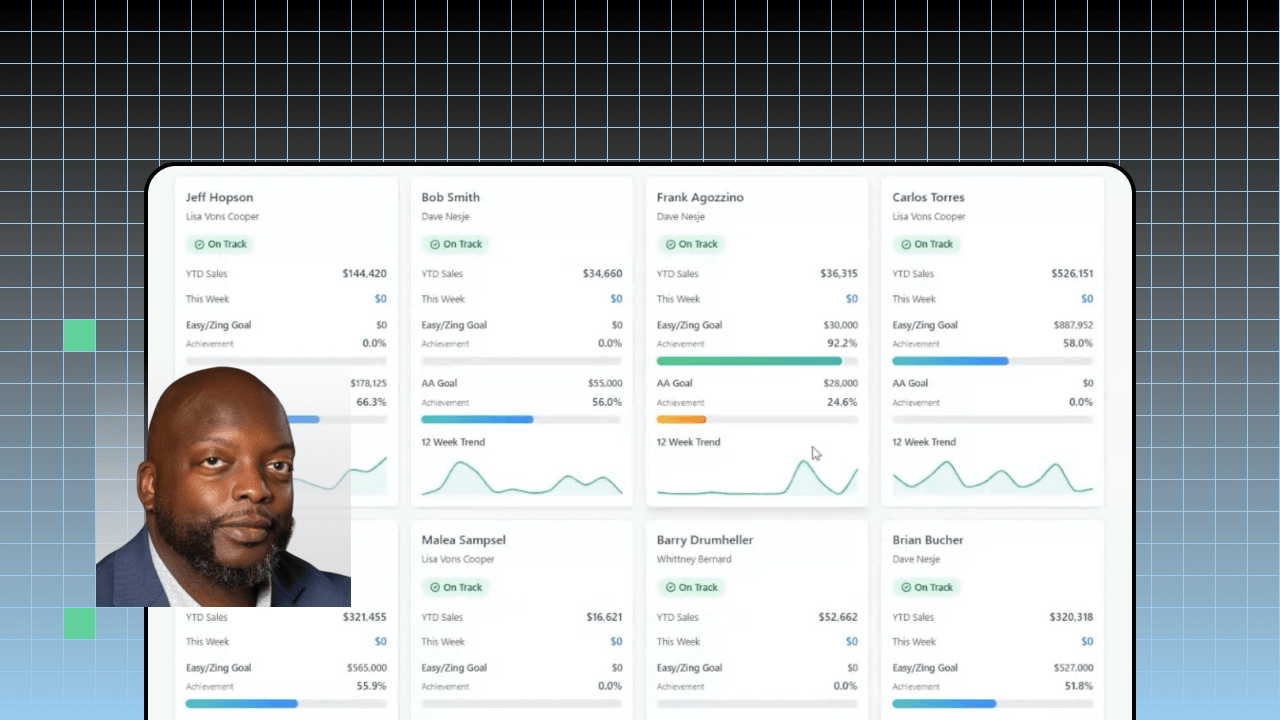
Curtis built a rep performance view covering all 50-plus field reps. For each rep it shows the annual goal, progress to goal, a rolling 12-week trend, and a plain on-track or off-track signal for the year. One glance replaces the scramble of cross-referencing separate tabs.
The lesson for your own build is to standardize the view before you add intelligence. When performance data appears in a uniform format, trends, forecasts, and gaps that used to hide across spreadsheets finally surface. As Curtis put it, "data turns sales from guesswork into a repeatable growth engine."
Knowing who is off track is useful, but reps still need to know where to spend their limited hours. A focus layer answers that question directly.
Curtis built a lagging-accounts report using an ETL process and sent it to sales managers. It filters down to each rep's top three lagging accounts, flags whether those accounts are growing, flat, or behind pace, and shows where they should be for the year. It then points the rep to a specific product to focus on for each account.
To build your own focus layer, keep the output short and prescriptive:
A focus layer works because it converts a wall of numbers into a short list a person can act on before the next meeting.
The final layer answers the two questions a performance view alone cannot: why is this account where it is, and what should the rep do about it? This is where AI earns its place, working on top of the governed foundation rather than off to the side.
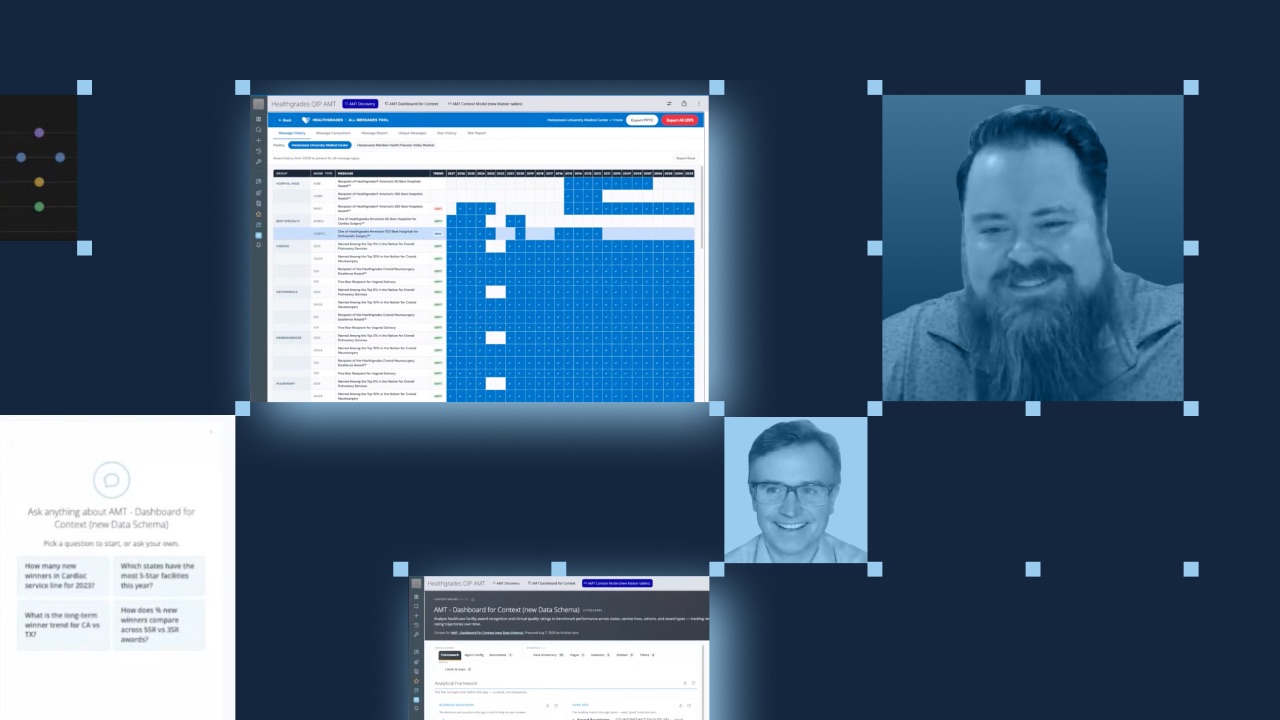
Curtis added an AI insight layer with two columns. The left column lists contributing factors that explain why an account sits where it does today. The right column lists suggested activities to move that account toward a healthy growth level.
Behind the scenes, a knowledge base feeds those insights, spanning inventory data, sales quote data, population and zip-code trends for every zip code they sell into, reimbursement data, trade show and education data, and field demos.
The governance point is what makes this repeatable. The AI reads context that is already governed, and people stay in the loop. Reps and managers set the objectives and judge the suggested activities before acting, so the system operates with bounded autonomy rather than running on its own.
Domo orchestrates the workflow across your governed data and your chosen inference models; it does not replace the human decision.
Curtis summed up the effect on his own role simply: The build "turned me into a super product manager with an AI assistant." Reps now leave the room with contributing factors, recommended activities, and a forecast, instead of another spreadsheet to decode.
This framework captures the backbone, but the session has details worth seeing for yourself. Curtis built the first version overnight in his hotel room during Domopalooza 2026 with, in his words, no clue what he was doing, then spent about three hours at the Brilliance Bar the next day refining it.
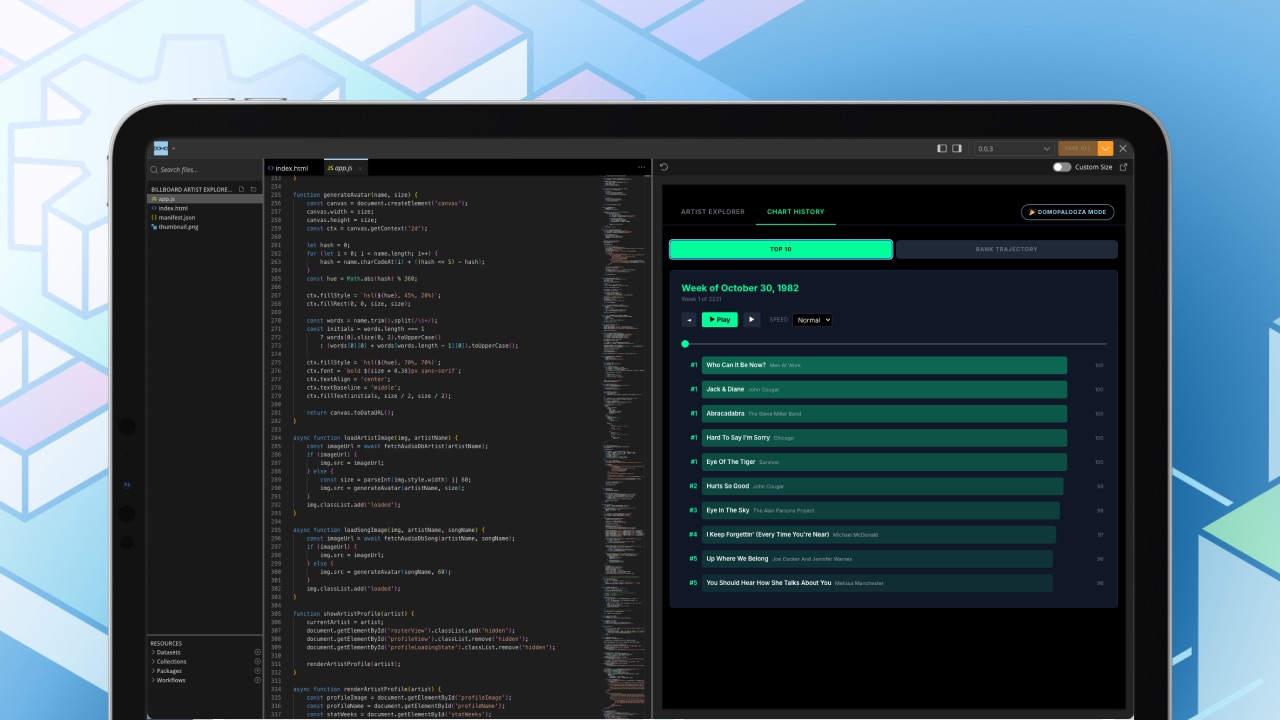
He credits Domo Pro-Code for the leap, calling it "amazing that I could actually build an app because I'm a non-technical person."
If your team is stuck in the spreadsheet-to-meeting scramble, Curtis' walkthrough is a practical place to start. Watch the full session to see the app in action.