AI + Data Tourに参加して、ハンズオントレーニングや実際の顧客事例を体験し、お近くのDomo製品エキスパートと交流しましょう。
今すぐ登録する
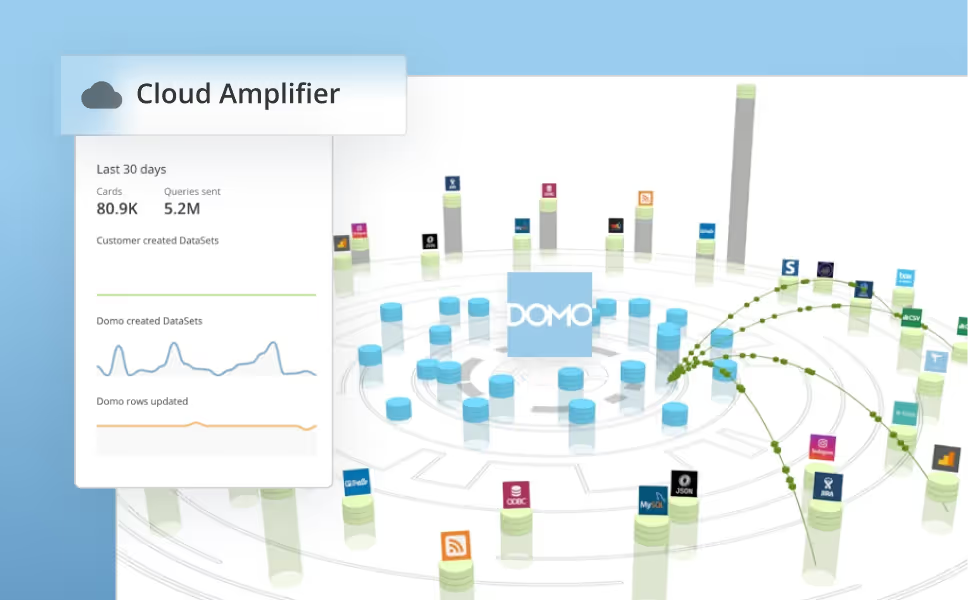
Cloud Amplifier revolutionizes data management and integration by giving data professionals—whether analysts, architects, engineers, or IT experts—the flexibility and power to easily handle data across platforms. It amplifies the value and access of your data warehouses by layering in the full capabilities of the Domo platform, enabling users to maximize insights and drive impact in a single interface and without compromise.
Learn how to integrate Domo with your existing cloud warehouse in our Knowledge Base.
In this beta release cycle, we have read-only support available for PostgreSQL and Athena and write-back support for Dremio and Databricks using Azure storage.
Read-only updates: Postgres and Amazon Athena
Companies are adopting cloud technologies and require simple integrations across systems without the need to move or duplicate data. Previously, customers owning databases in PostgreSQL or Amazon Athena were required to move data into Domo before they could use it. With this new feature, customers can now read data from their clouds and build high-performing, automated pipelines and data products, including apps, alerts, MagicETL and more!
Access these integrations under the Native Integration section in the Cloud Amplifier Framework of your Domo Data Warehouse.
Learn how to configure your Amazon Athena or PostgreSQL integration in the Knowledge Base.
Write-back updates: Databricks using Azure Storage and Dremio
Managing data for Databricks (using Azure Storage) and Dremio customers just got even easier, thanks to significant performance enhancements. Beyond the existing capability to read data from both systems, users can now easily write data back to these cloud data warehouses. Previously, write-back functionality for Databricks was limited to AWS storage, but that’s no longer the case. Customers utilizing Azure storage now also have access to this powerful write-back feature, expanding flexibility and efficiency for diverse use cases.
To access, go to your warehouse view in Domo to manage your cloud integration. From there, select your CDW from the native integrations and add the “write access” option.
Domoは、企業のビジネス管理のあり方を変革します。











.png)