Analyze and visualize data
with AI
Domo Analyzer is where you can analyze data using AI-powered tools to uncover patterns, compare metrics, and turn raw data into clear insights.
.webp)
Where analysis and visualization come together
Analyzer is a core Domo feature that helps teams explore data, compare metrics, and understand performance through interactive visualizations.
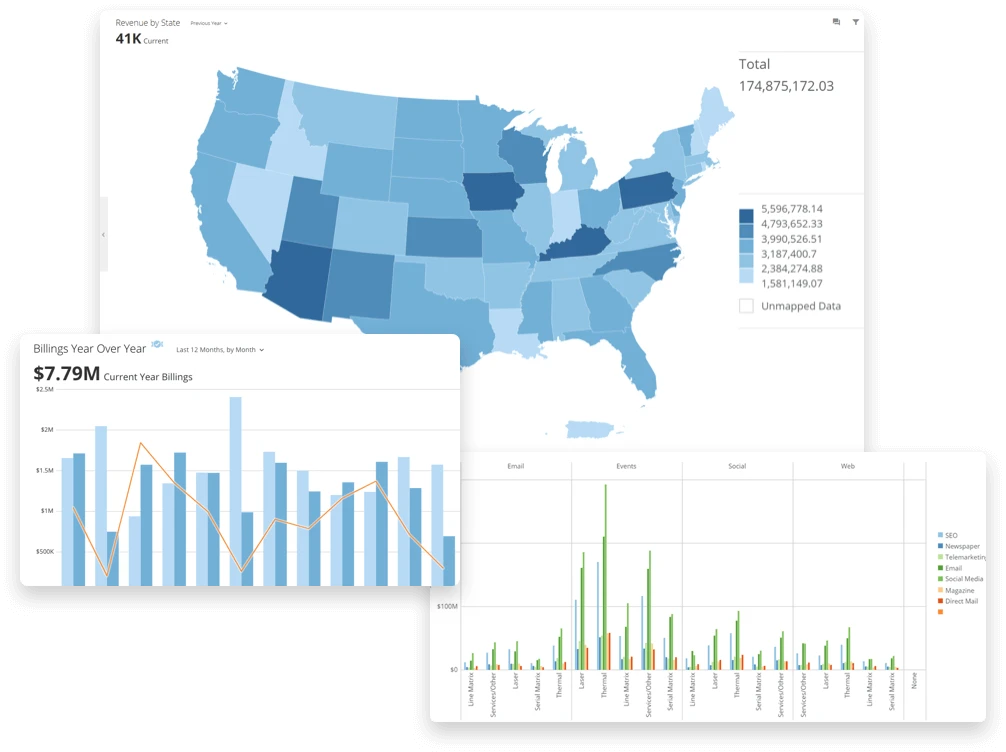
Choose from 190+ chart types.
Analyzer makes it easy to create and refine interactive visualizations that fit your data and goals. Choose from a wide range of options, including:

Trellis charts for comparing multiple dimensions side by side

Data science charts for advanced analysis

Maps to visualize geographic trends

Period-over-period charts to track performance over time

Tables for detailed reporting and comparison
Want more flexibility? Build custom charts to match your business needs.


"Domo has allowed us to unleash more data transparency across the organization through its ability to visually communicate complex data in easy to understand graphics. We now have the ability to distribute these KPIs across multiple platforms."

Analyze KPI metrics faster with real-time filters
Analyzer gives you flexible ways to filter and explore data so you can uncover insights in seconds.


Quick filters let you analyze data instantly with predefined options.

Tooltips reveal extra details when you hover over charts.

Page-level filters apply one filter across every chart for consistency.

Data lineage shows each card’s source so you can trust your data.

Advanced filters refine results with options like 'contains' or 'starts with.'

Drill paths let viewers click any chart element to explore the data behind the number.
Build KPI dashboards with Analyzer
Domo Analyzer helps teams track KPIs in real time, monitor performance against targets, and spot changes early using interactive dashboards powered by AI-driven analysis.

Identify changes and patterns as you filter and explore data

Understand what’s driving KPI changes without rebuilding dashboards

Spend less time digging and more time interpreting results
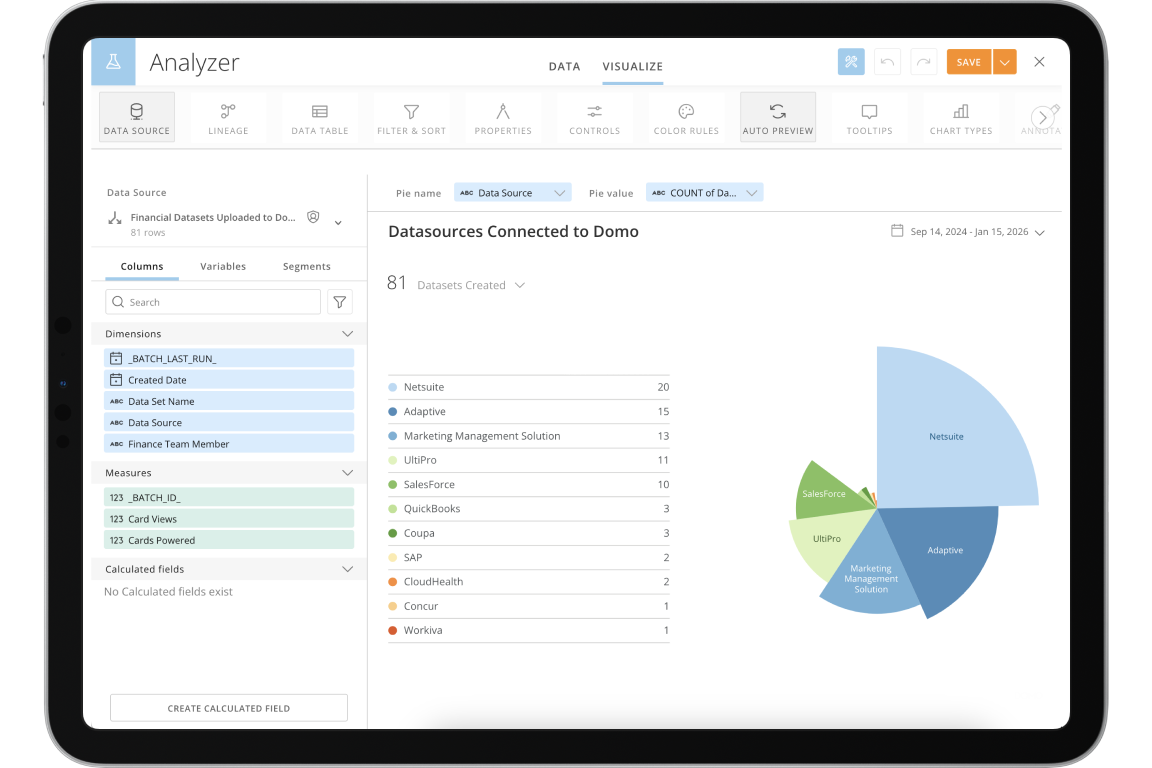
Powerful data visualization tools built into Analyzer
Domo Analyzer’s advanced features help teams identify patterns, outliers, and trends faster by adding clarity and context to their data.


Build KPI dashboards with Analyzer
Domo Analyzer helps teams track KPIs in real time, monitor performance against targets, and spot changes early using interactive dashboards powered by AI-driven analysis.


"Domo gives us the ability to standardize dashboards across the globe, so that in meetings, everyone is speaking the same language."
Create interactive dashboards—no coding required
Use Domo Stories to design flexible, custom-branded dashboards with your own colors, filters, and charts. Build interactive visualizations that make complex data easy to explore for every user—no coding or IT help needed.







See how Analyzer works
See how your data can drive faster, clearer decisions with Domo.
