Join the AI + Data Tour for hands-on training, real customer stories, and time with Domo product experts near you.
Register now

Previously, your AI Agent tasks couldn’t take advantage of proven logic you have developed in your other workflows. This forced you to rebuild functionality or create complex workarounds for processes you have already perfected.
Now, you can select workflows as Tools in the AI Agent Task. By allowing agents to leverage existing workflows alongside Code Engine functions or Jupyter scripts, the Agent task gains access to a richer set of functionalities, allowing it to process more complex requests effectively within a single step.
This doesn't just save time; it fundamentally enhances your agent's capabilities. By tapping into your library of proven logic, you can build more sophisticated agents that make smarter decisions and deliver more powerful results.
Learn how to use the Workflow Tool in Agent Task.
As workflows grow, explaining the logic behind your design becomes crucial. Without a way to add comments directly on the canvas, it’s difficult for workflow creators to clarify their intentions, document complex steps, or bring attention to specific details for collaborators.
That’s why we’ve added a new annotation feature to the Workflow tool that lets you add helpful comments right on the Workflows canvas. These annotations support rich text formatting and can be connected to one or multiple workflow steps, allowing you to place contextual information exactly where it's needed.
Adding annotations directly within the workflow provides clarity to the design, helps new users understand the workflow's intent more quickly, and makes it easier for anyone to maintain and troubleshoot complex logic.
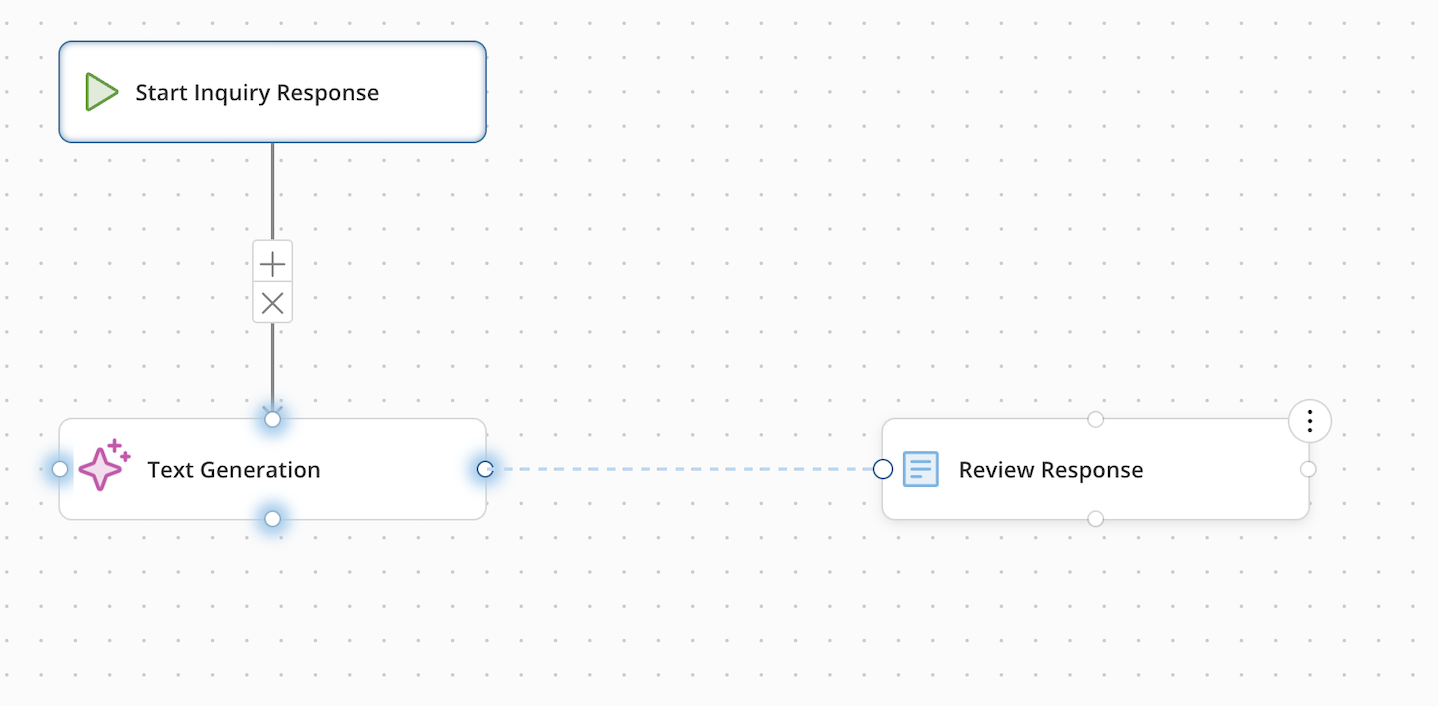
Small inconsistencies in a user interface can create friction and slow you down. When canvas controls in Workflows behave differently from other tools in the Domo platform, it can make it less convenient to build and navigate with confidence.
To create a more consistent and intuitive experience, we’ve rolled out multiple enhancements to the Workflows canvas. These updates include a new canvas background, updated navigation controls, a better experience for adding and connecting steps, and a collapsible left panel to maximize your space.
While many of these seem like small improvements, they add up to a smoother and more user-friendly workflow-building experience. By aligning the canvas with other tools in the Domo platform, you're able to work more efficiently and build workflows with greater ease.
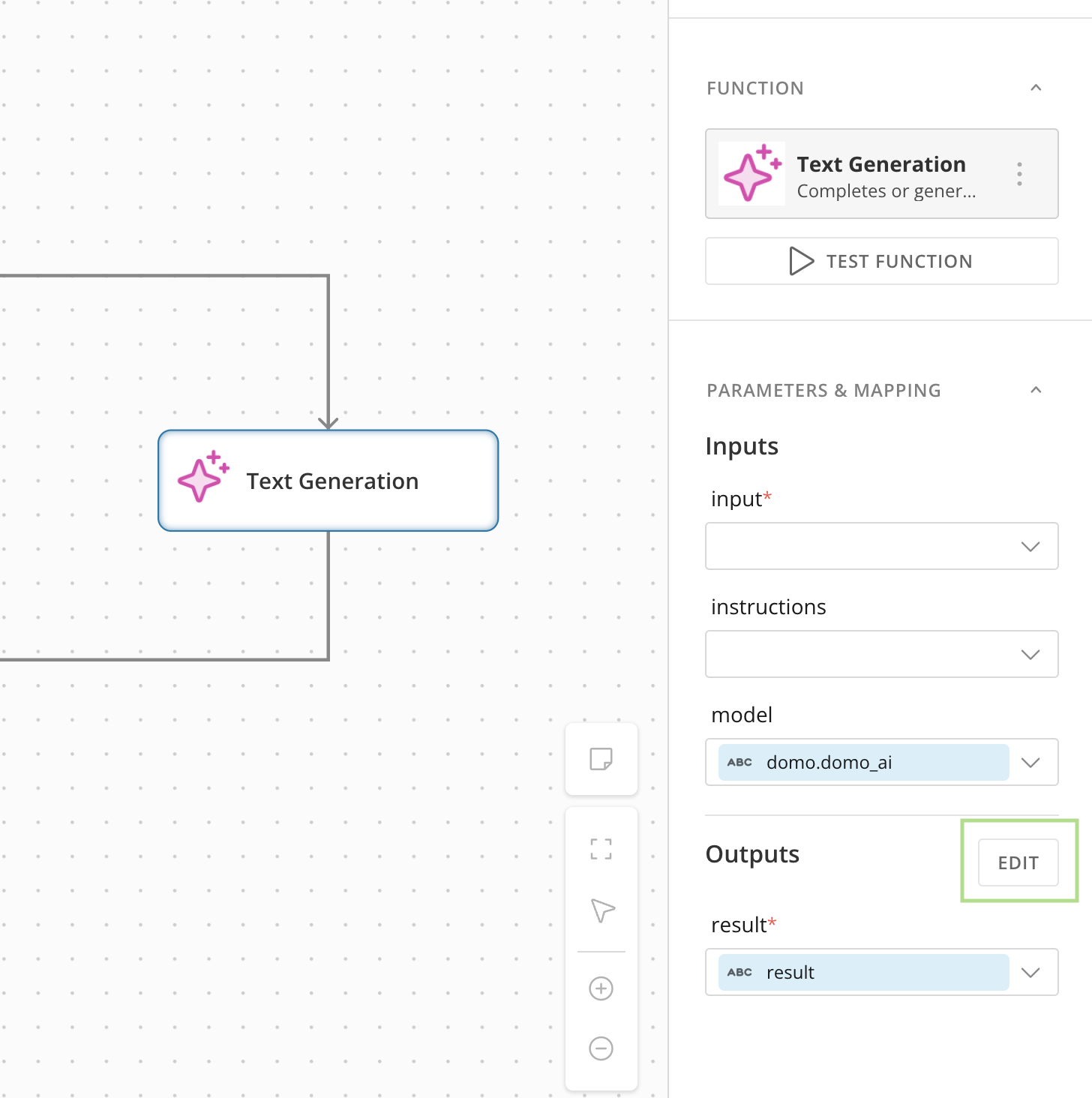
Getting specific data from AI Services in Workflows used to mean extra work. Since the output was just a single block of text, you had to add extra steps to your workflow just to parse and extract the precise values you needed.
Now, you can define exactly what you want from your AI service outputs. Within the configuration panel, you can create a custom structured object with as many child properties as you need to capture specific values. This eliminates the need for downstream parsing steps and gives you clean, predictable data every time.
This feature is now available for the Text Generation, FileSet Image to Text, and Image to Text AI Services.

Domo transforms the way these companies manage business.