Join the AI + Data Tour for hands-on training, real customer stories, and time with Domo product experts near you.
Register now
You know AI could take a tedious task off your plate. You have even blocked time to finally set it up. Then you open a blank screen, see talk of API keys, agents, and instructions, and quietly close the tab.
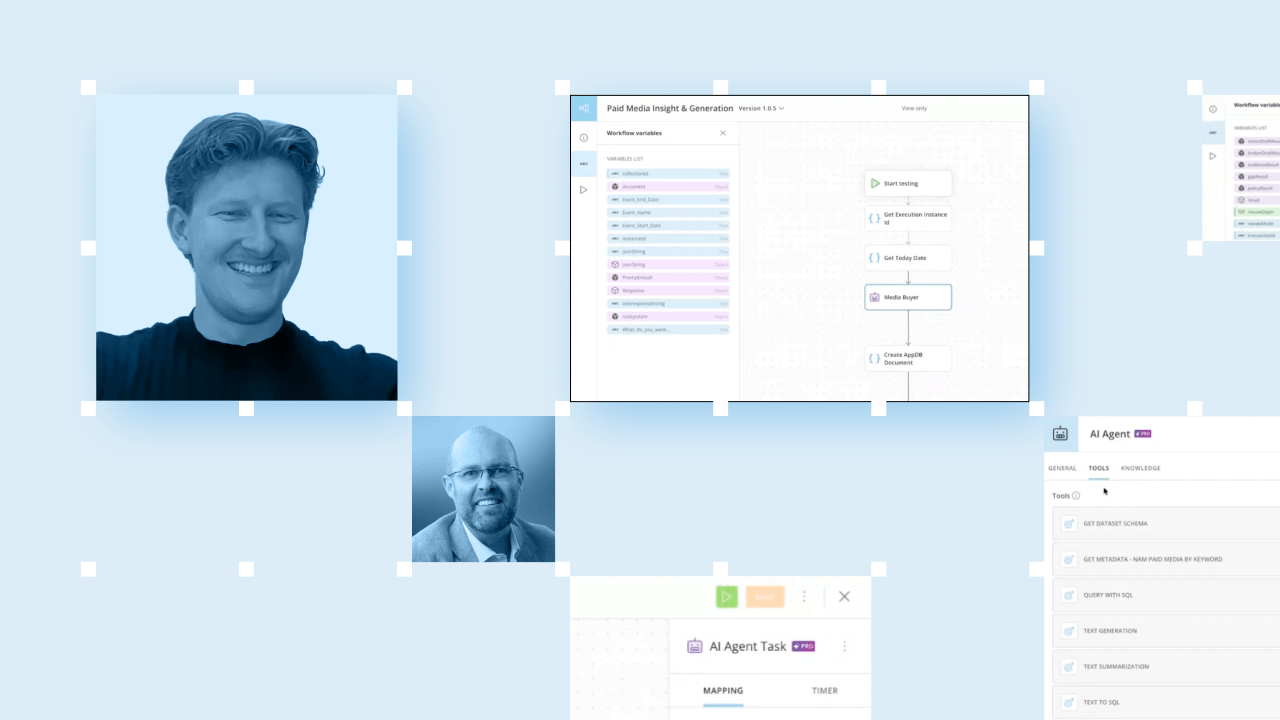
That wall is where a lot of marketers and analysts get stuck. A recent Domo livestream took it head on. A Domo marketing leader hosted the session with Jake Heaps, a marketer who joined Domo about a year ago from a non-technical background. Together they showed how any team can start using AI inside Domo, whether or not people write code.
Jake's story is the proof point. He arrived not knowing what an API key was, then built Domo's first paid-media insights agent in a couple of days. His path is worth studying because you can copy it.
Here is the step-by-step guide to building your first AI agent, drawn from how Jake did it. You can apply every step without watching a minute of the video.
Start with a task that eats your week and follows a pattern. For Jake, that was paid media analysis. The paid media director needed to know which keywords were working, where to spend, and what to test next.
A strong first job usually shares three traits:
Resist the temptation to pick something flashy. Pick something painful.
An agent is only as good as the data it reads. Before building anything, Jake made sure the sources sat in one governed place inside Domo: Google Ads, G2, and SEMrush data, already connected and ready.
This order matters. Domo starts by helping you build a governed data foundation wherever your data lives, whether that is Snowflake, BigQuery, or Databricks. Governance runs across every layer, so role-based access follows the data from ingestion through the agent to the final answer. That means an agent can only see what the person running it has permission to see.
Get this right early and every later step gets easier.
Now open the agent tile and give it a few basics. That means a date, a prompt, a thread ID to track the conversation, written instructions, and the tools it will use. The instructions define the agent's role, and they matter most.
Jake's first version was refreshingly plain. As Jake Heaps explained, he simply told the agent, "You're a professional media analyst, an expert in Google Ads." That one line gave the agent a point of view before it touched a single row of data.
You do not need perfect prose. You need a clear job description.
Writing agent instructions from a blank page feels intimidating, so do not start from a blank page. Jake used ChatGPT or Claude to draft his agent's instructions, then edited them to fit the task.
Treat the assistant as a co-writer. Describe the role, the inputs, and the kind of answer you want, then let it produce a first version. You stay in charge, and you edit until the instructions match how you actually think about the work.
Point the agent at the specific data sources and tools it needs, and nothing more. Jake gave his agent the ability to pull the assembled Google Ads, G2, and SEMrush data, then reason over it.
This is where the payoff shows up. AI can dig through deep data at a scale people cannot match. The agent reviewed 10 years of Google Ads performance and flagged what would and would not work. You set the objective and the guardrails. The agent executes within them, which keeps a human firmly in the loop.
An agent nobody can reach will not get used. Jake created a document to save a record of every output, so results were traceable and auditable. Then he built a simple front end for the paid media director.
The director never saw the setup. They just opened a clean interface, ran the agent, and got answers in the flow of their day. That final move, delivering the outcome into the workflow people already use, is what turns a clever build into a tool a team relies on.
Do not try to automate everything at once. As Jake Heaps put it, "You don't need to boil the ocean. Just start somewhere."
His first build took about a week to a week and a half to learn, mostly figuring out how the pieces fit. Now that he understands the platform, rebuilding that same agent takes an hour or two. Ship one small win, learn from it, and let each success teach the next build.
This guide gets you to a first working agent. The livestream goes further in ways worth your time.
It includes a plain-language explanation of MCP (Model Context Protocol). That is the standard that wraps APIs so an agent knows what to send, what it will get back, and when to use a tool. It also covers how roughly 90 percent of Domo's marketing team now works with AI on governed Domo data. Then it closes with a grounded take on human oversight, summed up by Jake Heaps: "AI is not going to take jobs. People that use AI effectively will."
Ready to see how it all fits together? Watch the full livestream.