.png)
Picture this: A sales rep closes a $250,000 deal, updates Salesforce, and never once opens the customer relationship management (CRM) system. A data team gets raw billing data at 9 am and hands their CFO a polished, themed dashboard app before lunch. All of it happens in the same conversation where they asked the question, not in a six-week sprint and not next quarter.
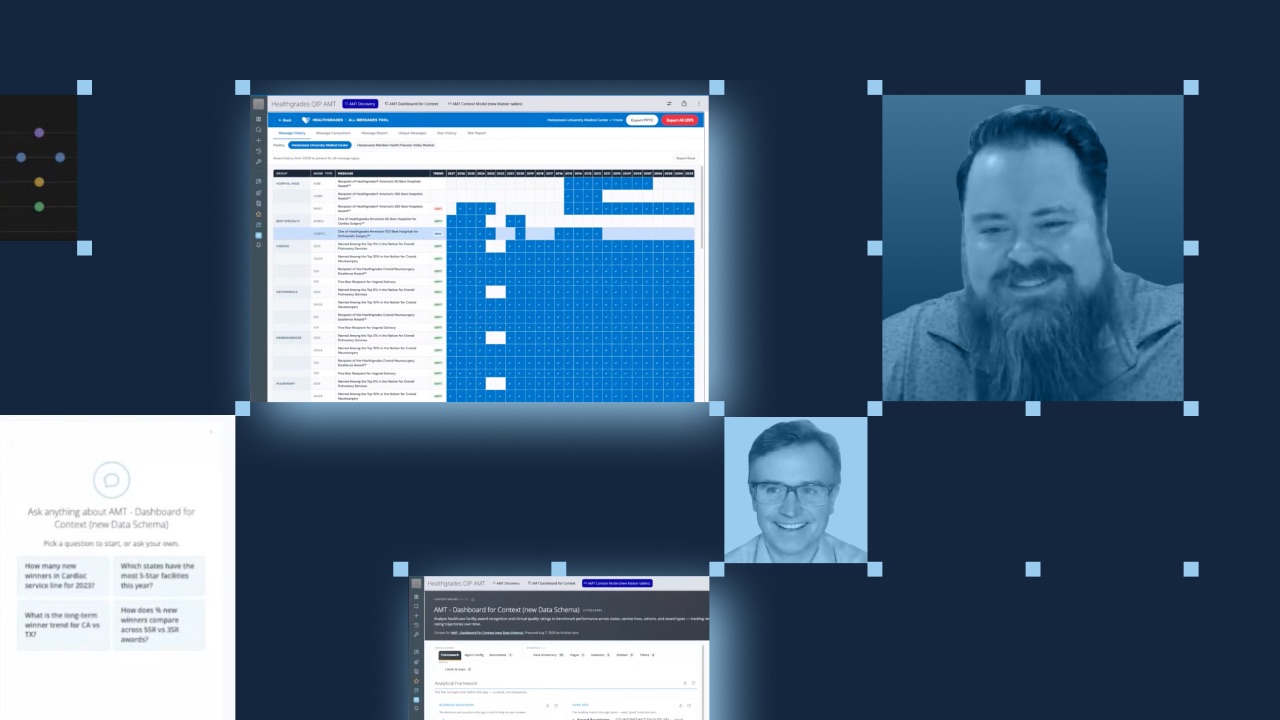
That's the scenario explored live during a recent Domo AI livestream, where host Mark Boothe, CMO, and Elliott Leonard, senior solution engineer, walked through three back-to-back demos showing how Domo's conversational agents and custom Model Context Protocol (MCP) servers turn natural language into real platform actions. Elliott, who has worked on both the customer side and the Domo side, brought a practitioner's perspective to each walkthrough. The session covered everything from querying YouTube analytics through a Gemini Enterprise integration to building a complete App Studio application, all driven by conversation.
Here is the framework those demos revealed for rethinking how teams build and scale their data platforms.
Three patterns for conversational data work
Each demo in the session mapped to a distinct pattern. Together, they form a progression from querying data to taking action in external systems.
Pattern 1: Ask your data anything, from any client
Elliott started by connecting Gemini Enterprise to Domo's MCP server, then querying YouTube analytics data in plain English. "It'll go search for that data set, and then it'll take my question that I asked in plain English and translate it to a database query, and then come back with a response," he explained.
The key detail: the large language model (LLM) client does not matter. Any MCP-compatible AI client can connect to Domo's MCP server and query the same governed data. Elliott described the architecture as simple: "Any of your favorite chat GPT or LLM clients can hit Domo's MCP server. Domo then goes in and uses tools."
This pattern fits teams that already have data in Domo and want to make it accessible through whatever AI tools their people already prefer.
Pattern 2: Build a dashboard, then hand it off to an agent for polish
In the second demo, Elliott opened Domo's card creation agent, fed it raw billing data from Zuora (a recurring revenue platform), and asked what cards a CFO would need to track recurring revenue. The agent analyzed 54 columns of data, recommended seven card types, built them all, and placed them on a new dashboard page.
Then Elliott switched to Claude Code, which had multiple Domo MCP servers connected (app layout, card creation, app studio theming), and asked it to take that basic dashboard and turn it into a polished App Studio app. Within minutes, the raw dashboard became a themed, shareable application.
"This process that we did, we used our card creation agent in Domo, and then we handed it off to Claude, and in a matter of like five minutes, we were able to go from getting the data set into Domo to creating a full-on app that our CFO can consume," Elliott said.
Pattern 3: Let agents act in external systems
The final demo moved beyond Domo's own interface. Elliott built a sales ops agent that connected to both Domo data and a custom Salesforce toolkit. A sales rep could ask, "Where are we at with Elliott Software Company?" and get a full summary of the opportunity pulled from Salesforce data in Domo. Then, through natural language, the rep could update deal details and close the opportunity, all without opening Salesforce.
Elliott showed the update happening live in Salesforce. He built the agent using Domo's AI Library, combining a Domo basic toolkit with a custom Salesforce toolkit he created. "You can basically mix and match," he said. "You can fully customize this."
Governance stays intact
One concern that comes up immediately with this kind of access: security. Boothe asked Elliott directly how IT teams should think about giving agents access to data. Elliott's answer centered on Domo's existing permission model.
"The authentication mechanism here is actually using an access token that can be generated on behalf of any person within your organization and inherits those permissions," he explained. "All your existing Domo investment, all those roles and users that you've created, you can then pass that on to your MCP server. And your MCP server and agents can only act on your behalf."
In other words, the agent sees exactly what the person it represents can see. No new permission model to build. No separate governance layer to maintain.
Getting started is simpler than expected
Elliott demonstrated how to connect an MCP server to Claude Code by copying a server URL from Domo's AI library and pasting it into the tool's configuration. "You don't have to be technical," he noted. "You can literally give Claude a screenshot of this, give it the server URL, and then it'll hook it up for you."
The AI Library inside Domo lists available toolkits (MCP servers) that can be connected to external AI tools or combined to build custom agents. Each toolkit includes setup instructions and supports developer token authentication.
Key takeaways
The three demos point to a few principles worth considering.
- Conversational agents eliminate blank-page syndrome by giving data teams a starting point they can refine, not a blank canvas they have to fill from scratch.
- MCP servers make Domo data accessible from any compatible AI client, so teams can work in the tools they already know.
- Agents that act in external systems (like Salesforce) free people to focus on high-value work instead of administrative updates.
- Domo's existing governance and permission model carries over to agents and MCP servers, so IT teams do not need to build a parallel security framework.
Watch the full livestream
The demos covered here only scratch the surface. The full livestream includes Elliott's restaurant analogy for understanding MCP (think of the server as a waiter between the customer and the kitchen), a live look at the AI library interface, and a deeper discussion about consumption and licensing for AI pro features.
Watch the full livestream to see each demo in action and hear the audience Q&A.