Workflows & Automation Updates

MCP Trigger in Workflow
Before today, when you started a workflow with AI, it had to “borrow” other triggers (like manual or API triggers), making it impossible to see AI’s true footprint across your business. This lack of visibility made it difficult to safely monitor, audit, and govern how AI interacts with core business processes.
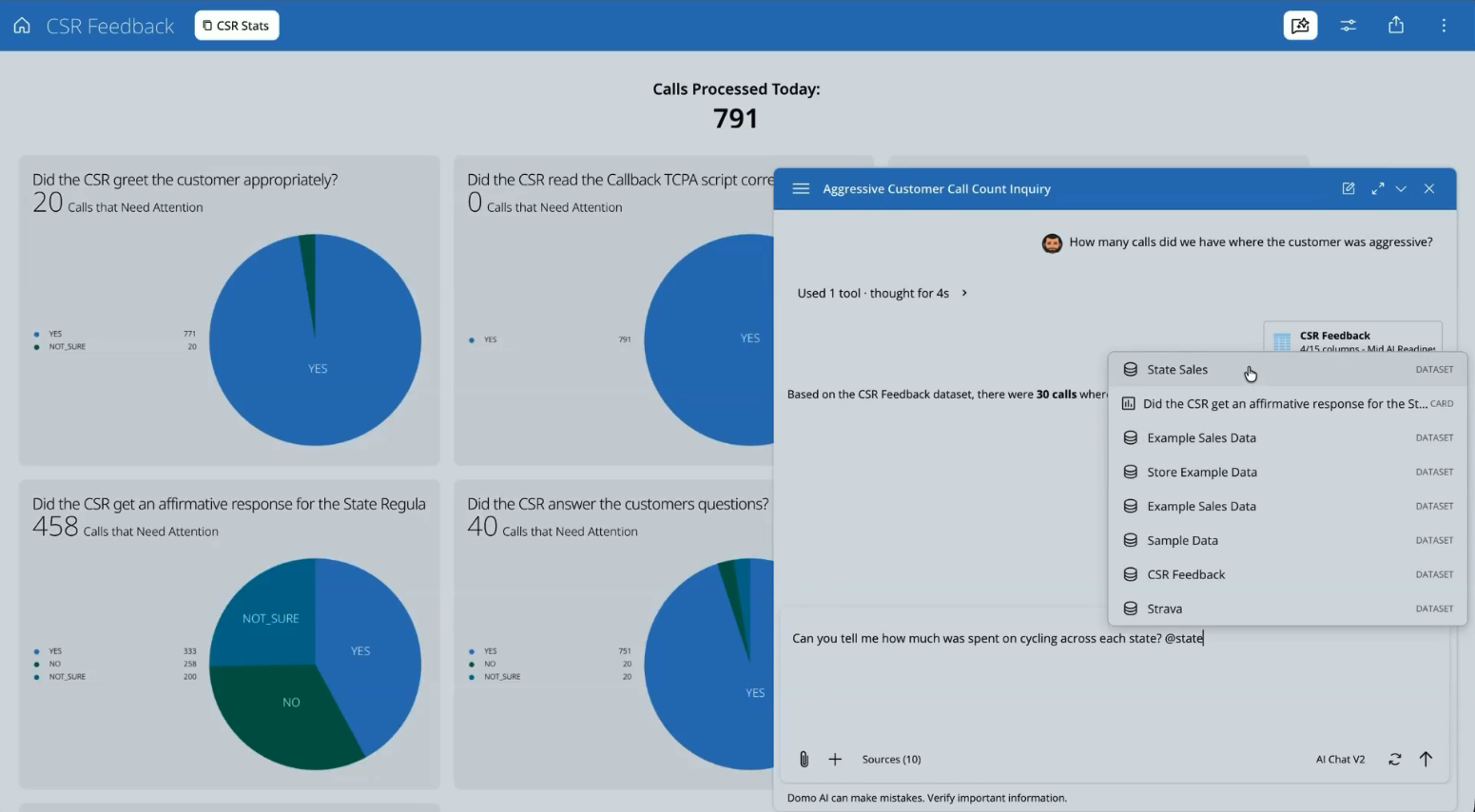
That’s why we’re excited to introduce a new dedicated MCP trigger that officially logs AI-initiated runs. Whether a workflow is triggered by Claude, AI Chat, or an autonomous agent, you’ll see a clear, consistent audit trail in your Workflow Execution Details page, letting you know exactly where it came from.
This new MCP trigger lets you:
- Deploy instantly: It is automatically enabled when you deploy your workflow, requiring no manual configuration.
- Maintain strict governance: Keep admins in control by building a secure, sanctioned contract between your AI services and workflow engine.
- Scale AI: Establish AI-initiated execution as a permanent, auditable part of your automation architecture, rather than a workaround.
Learn more about connecting AI tools to Domo using MCP and managing Workflows.
Code Engine Package Management
Before this release, obsolete or sensitive code was left permanently accessible in Code Engine because it wasn’t possible to delete deployed Code Engine packages. This let packages accumulate over time and made it difficult for developers to understand and manage them properly.
With our new Package Management feature, developers get real-time transparency and secure capabilities for deleting packages that are no longer used or referenced.
Key benefits include:
- Full usage visibility: Track every custom app and workflow that references a package to see its exact reach before making any changes.
- Safe deletion: If a package is referenced anywhere in Domo, deletion is blocked to prevent accidental breakage of dependent apps and workflows.
- Private reference transparency: Ensure an accurate usage count without exposing unauthorized content by distinguishing between accessible and private items.
- First-party protection: Domo-provided packages are protected from deletion, maintaining core platform integrity regardless of usage state.
- Easy re-verification: Use the dedicated refresh action to instantly re-check usage and confirm references are cleared before deletion.
Improved Code Engine Versioning
Changing custom code in a workflow step shouldn’t mean losing your configurations. Until now, switching or updating a function version required navigating multiple screens and would often reset your parameter mappings, forcing you to manually rebuild them.
With this improved Code Engine versioning update, you can now select, switch, or version your functions with far fewer clicks and the confidence that your existing parameter mappings will remain intact.
DataSet Query Task Updates
While running queries that return no results is common when building workflows, until now, users were unable to save their work or generate outputs when a query came up empty.
Our latest update to the DataSet Query task lets you save configurations and generate output parameters on zero-row results. This means your query no longer has to produce at least one row of data to save your progress.

Domo transforms the way these companies manage business.