Risorse
Indietro

Partecipa all'AI + Data Tour per una formazione pratica, storie di clienti reali e incontri con gli esperti di prodotto Domo vicino a te.

Registrati ora
Informazioni
Indietro
Premi
Riconosciuto come Leader per
34 trimestri consecutivi
Leader dell'estate 2026 in BI integrata, piattaforme di analisi, BI, strumenti ETL, preparazione dei dati e governance dei dati
Prezzi
Beta Availability

Nav Configs

January 2026
Nav Configs | Domo

‍

Previously, while individual users could personalize their navigation, admins lacked the ability to create a global, customized navigation experience for everyone. Nav Configs changes that.

What’s new:

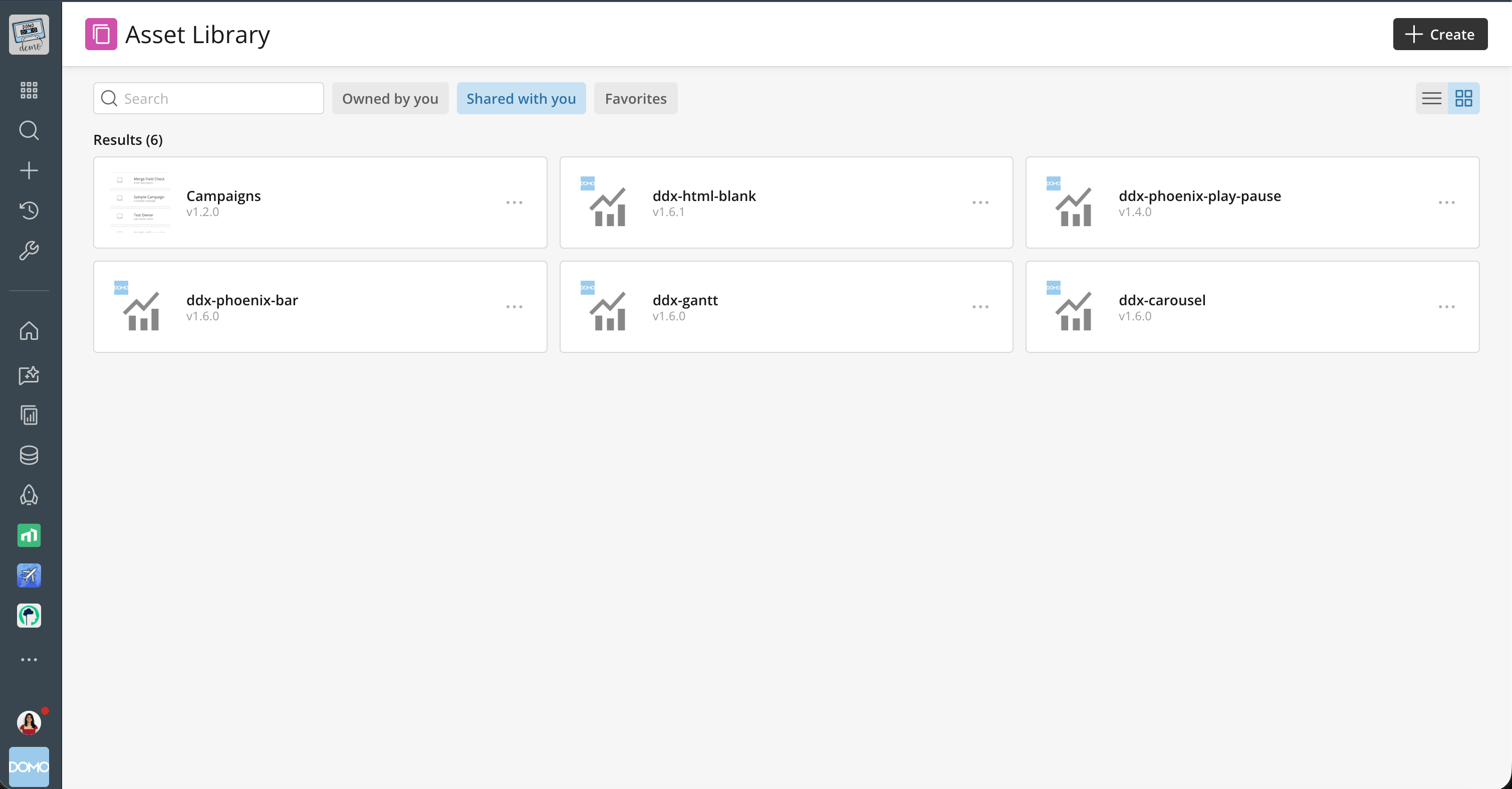
  • Global customization: Admins can now pin any Domo object—apps, workspace homes, folders, or dashboards—to the section below the global navigation left navigation for all users, or customize it for specific departments or groups. ‍
  • Targeted views: Create distinct navigation experiences for different departments or groups. Ensure your CFO sees financial dashboards immediately, while your marketing team gets instant access to campaign metrics. ‍
  • Reduced friction: Help users find value faster by curating exactly what they need to see the moment they log in.

Note: The top section of the left navigation—containing features, search, create, recent, and admin—is not customizable and remains global, reflecting each user's grants and access.

Admins can also manage permissions to control who is allowed to personalize their own navigation.

Where to find it:
Head to Admin > Company Settings > Navigation to start building a streamlined, curated experience for your organization today.

Table of contents
Carrot arrow icon
Try Domo for yourself.
Free Trial

More Features

Explore all

Domo transforms the way these companies manage business.