
Sales reps spend too much time preparing for calls and not enough time actually selling. Between checking the CRM, skimming last quarter's call transcripts, and trying to remember what was discussed three meetings ago, call prep can eat up an hour before a single conversation starts. What if an AI agent could do all of that overnight, synthesize the highlights, flag the risks, and have a briefing ready before the morning commute?
Doug Carter, solution value consultant at Domo, built a Daily Briefing Agent on Domo that actually achieves this. In a June 2026 livestream, he walked through how he built the entire thing in Domo, using Claude Code to plan and develop the agent. Here's a step-by-step breakdown of how to build a similar agent, from data sources to delivery.
Step 1: Identify and connect the right data sources
Every good briefing starts with good data. Doug's agent pulls from three core sources:
- Calendar data, which tells the agent who the rep is meeting and when
- Call and meeting transcripts from recorded conversations, providing context on what has already been discussed
- Salesforce opportunity records, surfacing deal stage, revenue potential, and account history
The key is connecting these sources into a single environment where an AI agent can access them together. On Domo, that means using data connectors to bring calendar, transcript, and CRM data into the platform, then shaping it so the agent can query across all three in a single workflow. Without that unified layer, the agent would need separate integrations for each source, adding complexity and maintenance overhead.
Step 2: Design the agent workflow
With the data connected, the next step is building the logic that ties it all together. Doug's agent runs on a Domo Workflow, a low-code automation framework where each step in the process is defined as a task. At the center sits an agent task, the component that handles the AI reasoning.
The workflow fires on a schedule (overnight, before the workday starts). It reads the rep's calendar for the day, matches each meeting to relevant transcripts and opportunity records, and passes that context to the agent task for synthesis.
As Doug put it during the session, "I had the idea and the next day I was building it." The speed from concept to working prototype came from the platform handling orchestration, scheduling, and data access out of the box.
Step 3: Add AI synthesis for briefings with talking points and risk flags
The agent task then takes the raw data (calendar entries, transcript excerpts, CRM fields) and produces a structured briefing for each upcoming meeting. That briefing includes:
- A summary of the account relationship and recent interactions
- Suggested talking points based on what was discussed in previous calls
- Risk flags, such as stalled deals, unanswered objections, or competitor mentions from past conversations
The output is not a data dump. It is a curated, readable summary that gives the rep exactly what they need to walk into the call prepared and confident. The AI handles the synthesis that would otherwise take a person 30 to 45 minutes of manual review per meeting.
Step 4: Generate multi-modal output (text and audio)
Not every rep wants to read a briefing at their desk. Doug designed the agent to produce both text and audio versions of each briefing. The audio runs through a Google Gemini text-to-speech integration, built as a Code Engine function within Domo.
"I designed it for my commute," Doug explained during the demo. A rep heading into the office can listen to their briefings in the car, absorbing the key points hands-free. The text version lives in the app for quick reference before or during a call. Offering both formats means the briefing meets people where they are, whether that is at a desk, on a train, or in a parking lot five minutes before a meeting.
Step 5: Deliver through multiple channels
A briefing that sits in one place is a briefing that gets missed. Doug's agent delivers through three channels:
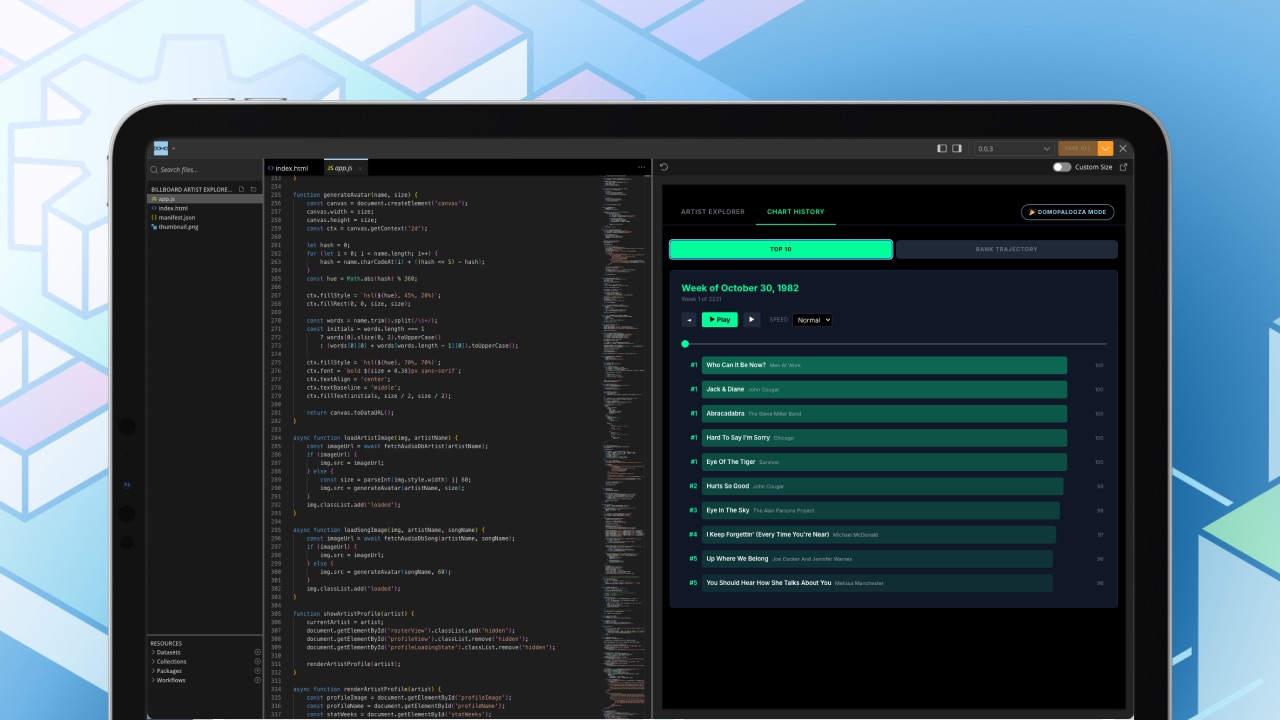
- A Pro Code React app built on Domo's AppDB, where reps can browse their daily briefings in a clean, dedicated interface
- A daily email sent every morning with the day's briefings attached
- Domo's mobile app, so reps can access everything on the go
Doug actually redesigned the entire app interface the night before the livestream using Claude Code, showing just how quickly the front end can evolve when the data layer and agent logic are already handled by the platform. The takeaway: delivery should match how the team already works, not force them into a new habit.
Step 6: Build governance and security in from day one
Most "vibe coded" AI projects fall apart when it comes to governance. Doug addressed this directly. The agent uses Domo's Personalized Data Permissions (PDP), a row-level security framework that ensures each person only sees briefings generated from their own calendar, their own transcripts, and their own opportunities. Governance is baked into the platform layer, so the agent inherits security policies automatically.
This matters because AI agents that touch CRM data, call recordings, and deal information are handling some of the most sensitive data in a sales organization. Without platform-level governance, shipping an agent like this to a full sales team would require a separate security review, custom access controls, and ongoing maintenance. Domo's approach collapses that into configuration rather than custom code.
Watch the full session and see what comes next
This guide covers the core architecture, but the livestream goes deeper. Doug's live demo walks through the actual Domo Workflow configuration, shows the React app in action, and demonstrates the audio briefing playback in real time. We also discussed bigger patterns for when AI agents make sense or when simpler automation is the better fit.