Join the AI + Data Tour for hands-on training, real customer stories, and time with Domo product experts near you.
Register now
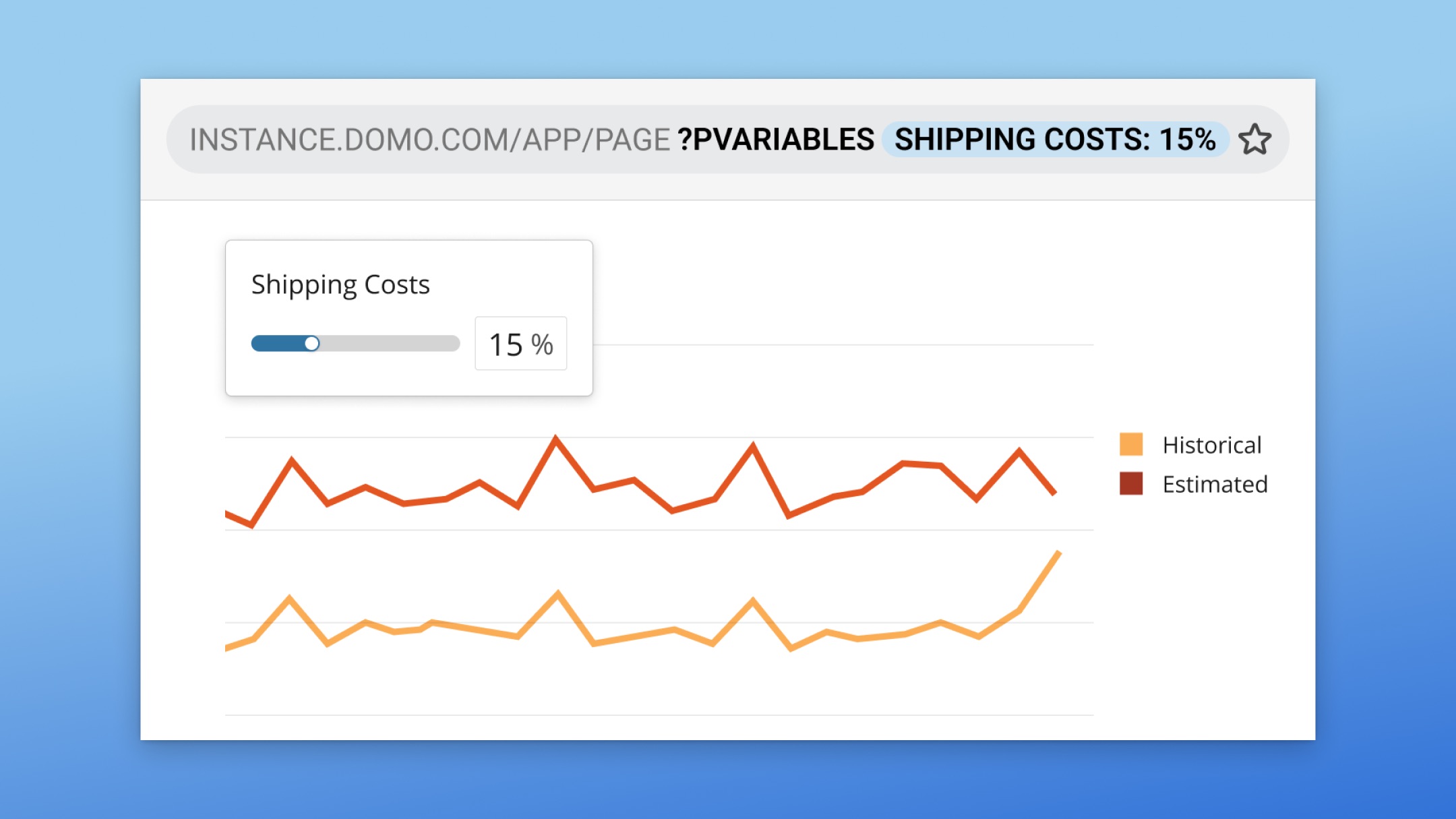
Passing variables through page links to dynamically update dashboards or apps has traditionally required complex, nested JSON configurations that only developers understood. This steep technical barrier and a lack of public documentation made a genuinely useful feature far too inaccessible, forcing teams to rely on custom engineering support.
To help eliminate this complexity, we are introducing a simplified, flat pVariable format that allows anyone to easily pass variables as a simple key-value pair. Supported consistently across Domo dashboards, App Studio pages, and embeds, this update makes dynamic page parameterization completely self-service while maintaining backward compatibility for existing complex implementations.
This simplified pVariable format lets you:
Learn more about Variables in Domo.

Domo transforms the way these companies manage business.