Join the AI + Data Tour for hands-on training, real customer stories, and time with Domo product experts near you.
Register now
.png)
Domo Workspaces keep your teams and projects organized and focused. You can bring together all the relevant data, dashboards, and people into a single, dedicated area. This creates a single source of truth for your team's work, streamlining collaboration and ensuring everyone is on the same page.
Domo's intuitive navigation helps you find what you need, faster. With a clean, consolidated menu and powerful universal search, you can spend less time looking for content and more time driving action. Personalize your workflow by pinning your most-used dashboards and apps for quick, one-click access.
Learn more about the New Navigation.
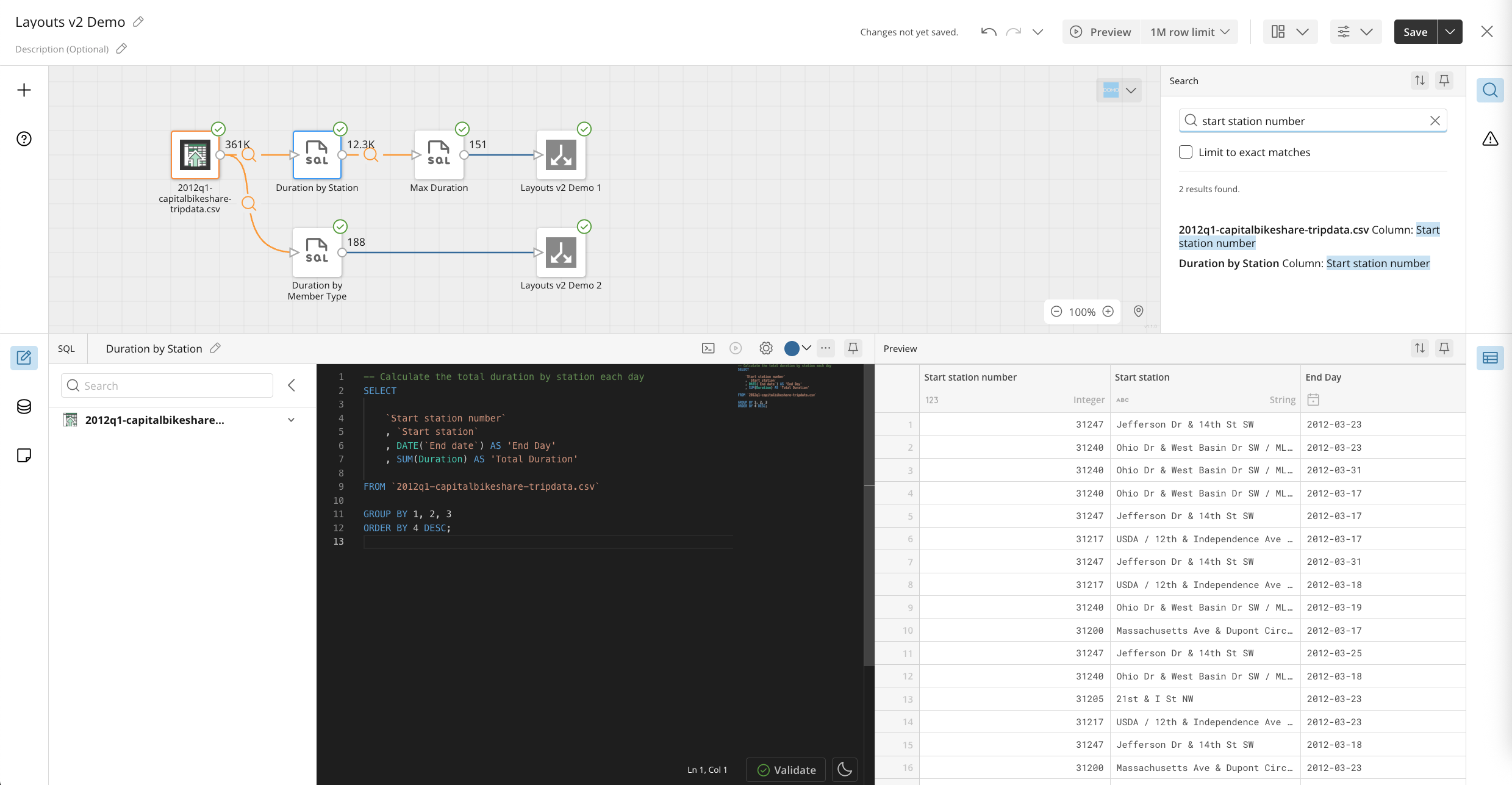
Previously, while individual users could personalize their navigation, admins lacked the ability to create a global, customized navigation experience for everyone. Nav Configs changes that.
What’s new:
Note: The top section of the left navigation—containing features, search, create, recent, and admin—is not customizable and remains global, reflecting each user's grants and access.
Admins can also manage permissions to control who is allowed to personalize their own navigation.
Where to find it:
Head to Admin > Company Settings > Navigation to start building a streamlined, curated experience for your organization today.
.jpg)
With the latest enhancement to PDP Column Masking, you can now directly build and save Beast Mode and view calculations that reference PDP-controlled columns, removing the need for previous workarounds and expanding the use cases you can address with PDP. The masking policies from the source columns are automatically applied in the calculation and are reflected in calculation result, ensuring your data remains secure and governed. For example, a calculation joining a first name with a masked last name (e.g., "W*****") will correctly display as "George W*****," allowing for powerful and secure data manipulation.
Learn more about Column Masking in PDP.
You can now streamline data governance with Global PDP policies. This powerful feature lets you create a single security policy and reuse it universally, ensuring consistent and secure data permissions across your entire instance. With a "create once, apply everywhere" model, you will significantly reduce the time and effort spent managing data security.
You can also leverage more complex filter logic with schemas and personas, which decreases the total number of policies you need to create and maintain. This streamlined process saves you valuable time, empowering you to implement a more efficient and scalable governance framework with confidence.
You can now support users and troubleshoot access issues faster with User Impersonation. This powerful capability allows admins to step directly into another user's experience and see the Domo platform exactly as they do.
By viewing the platform through their eyes, admins can quickly diagnose problems, confirm permissions, and validate that your governance policies are working as intended. This eliminates guesswork and unnecessary back-and-forth communication, allowing you to resolve support tickets faster and with greater confidence. User Impersonation streamlines your support process and ensures your security configurations are behaving correctly for every user.
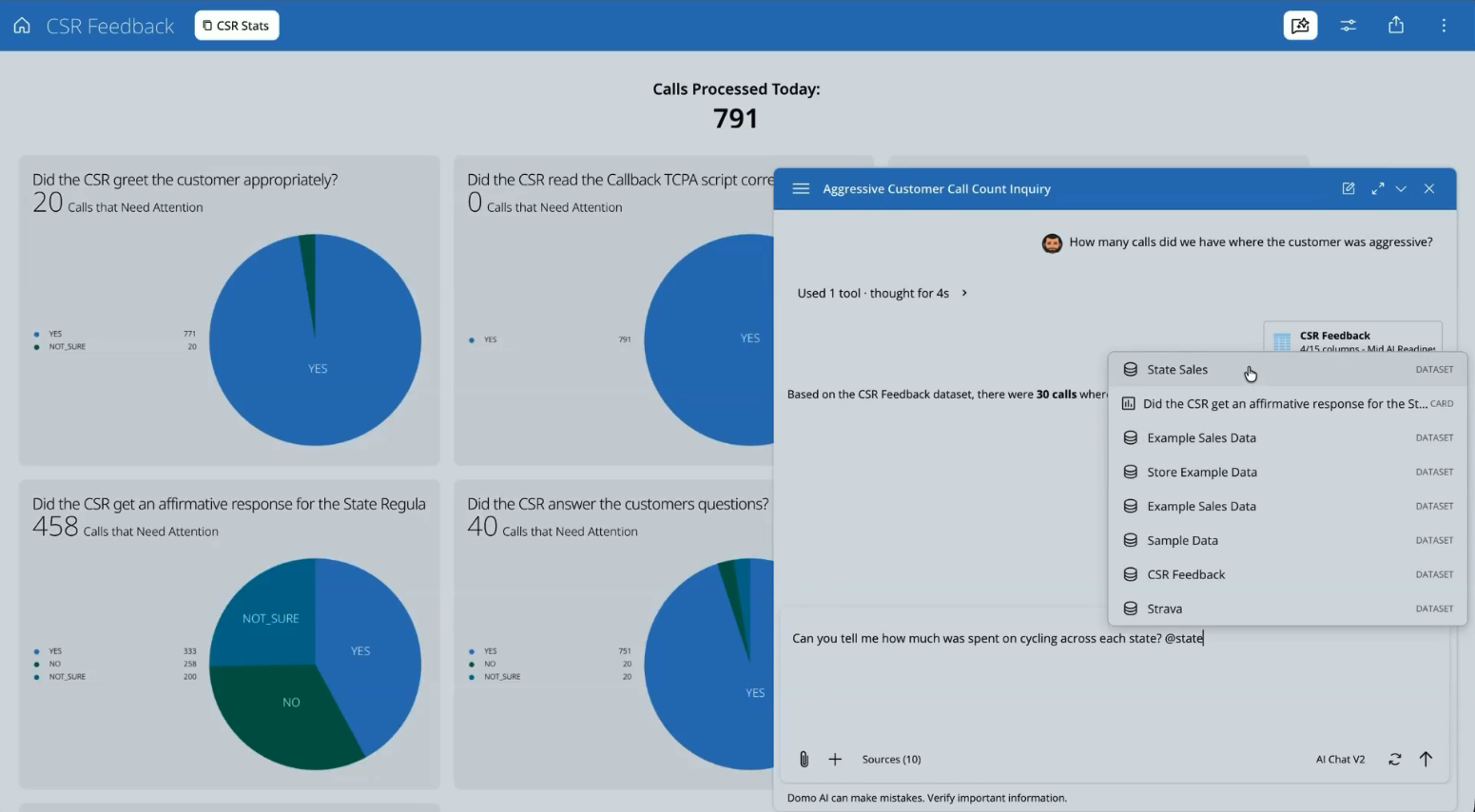
You can now extend curated mobile app experiences to broader audiences—even to people without a Domo account. With Native App Distribution, you can deploy your Domo Apps as fully branded, standalone applications in the iOS and Google Play stores, giving users exactly what they need in a focused experience.
Leverage powerful customization options like personalized navigation, themed branding, and a scoped AI chat that draws only from certified data. This makes it easy for you to deliver secure and user-friendly mobile experiences to every audience, from frontline teams to busy executives on the go.

Domo transforms the way these companies manage business.