Rejoignez l'AI + Data Tour pour des formations pratiques, des témoignages clients concrets et des échanges avec les experts produits Domo près de chez vous.
S'inscrire maintenant
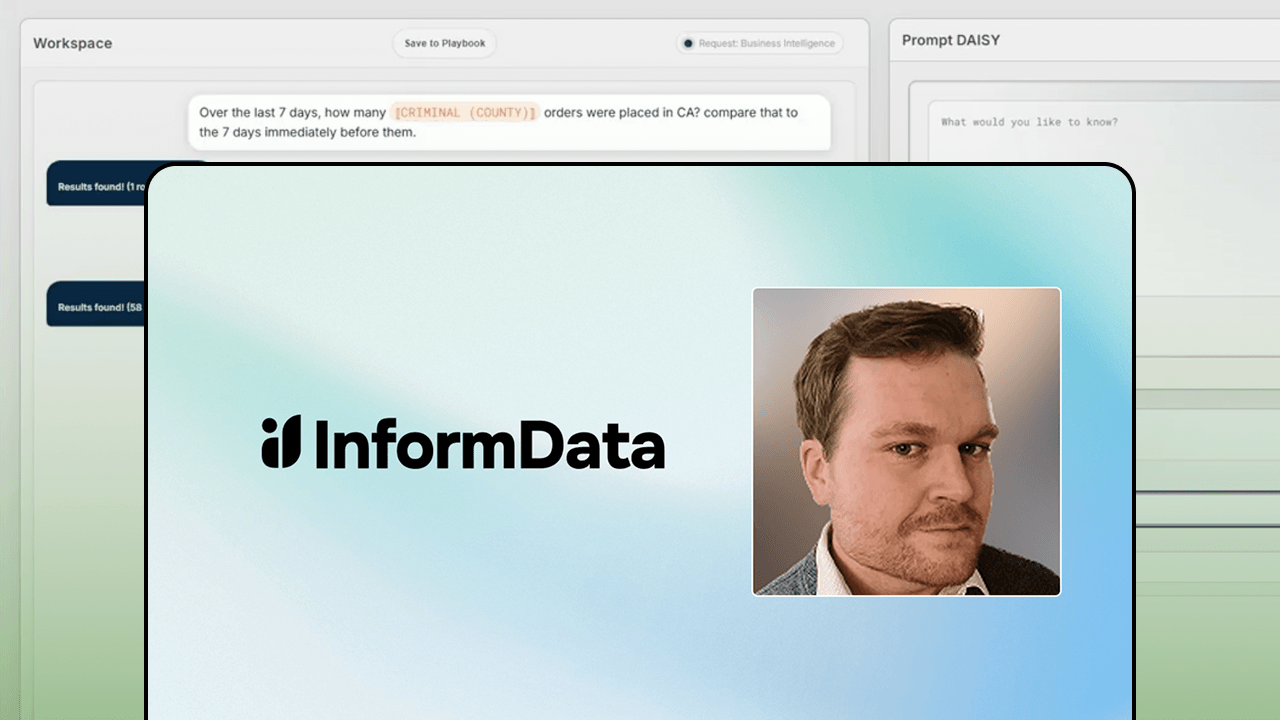
Over 500 automated workflows in six months, each delivering answers in under 90 seconds instead of the one to four hours a human analyst would need. That's the kind of result Marcus Wilkins, lead data scientist at InformData, shared in his Domopalooza session The Science of Instability: Embracing the "Generative" Side of GenAI Logically.
Marcus walked through how his team built DAISY AI, an AI workspace constructed entirely on Domo, and explained exactly how to incorporate Domo features like Code Engine, Workflows, Agents, and FileSets into an AI ecosystem that actually scales.
The core idea is refreshingly practical: Generative AI is great at planning and translating, but reliability comes from everything around it. Trusted datasets, deterministic checks, governed scripts, and clear accountability form the backbone. The AI layer sits at the edges, not in the middle where truth lives.
Generative AI works best when you use it as a planner at the start of a workflow and a translator at the end. The middle is where reliability gets earned, and that middle should stay deterministic.
"The middle," Marcus put it, "is where all the reliability is earned. Through those things there, none of which are generative AI. These are your trusted data sets, your deterministic checks, non-generative scripts and features you've already created for it to use, obviously data governance, clear accountability for the model."
This design keeps the generative AI layer from becoming a dependency in your core truth pipelines. The planner agent takes messy input and turns it into a clear blueprint. The translator agent takes results and packages them for the right audience, whether that's an exec summary, an ops handoff, or the next agent in a chain.
Here's how to structure this in practice:
Marcus offered a memorable rule of thumb: "An agent can drive the workflow. It needs a speed limit and a seat belt." Autonomy should scale only as monitoring and measurement scale with it.
Code Engine serves as the operational brain of the AI ecosystem that Marcus built for InformData. It's where custom AI agents live, and it's where the underlying LLM can be swapped without rebuilding everything else.
"The code engine is the brains of the operation," Marcus explained. "This is where we store our custom GenAI DAISY agents...and the LLMs are hot swappable beneath them."
This architecture reduces vendor lock-in risk. If you need to move from one LLM provider to another, the change happens in one layer rather than across your entire system. Code Engine also enables querying data from any source in Domo and provides admin functions that keep operations on track.
The practical benefits stack up quickly:
Building the AI interface in Pro Code Editor adds another governance advantage. Marcus noted that any permissions that the user already has pass through the entire workflow when the user kicks things off through Pro Code Editor apps. That means you're not building custom security plumbing for every AI interaction.
FileSets create a living archive of successful interactions. When someone asks a question that the AI has answered correctly before, the system can retrieve that stored path instead of invoking the generative layer again.
"FileSets is great because it lets us write a living archive of all of DAISY's interactions," Marcus said. "This is where we store the golden path the user deemed correct for the next interaction."
Those stored paths become part of non-generative matching. The next time a similar question comes through, the system pulls the playbook and recommends it with an AI-written description of what it does. If the person chooses to load it, they go straight to the answer without spending on another AI call.
This approach ties directly to cost control. Every time the model does something correctly, it gets cheaper to use the next time. Marcus described the economics bluntly: "You can imagine what the average salary of a data analyst or data engineer or data scientist is these days versus the fraction of a fraction of a cent we spend to generate that prompt in under 90 seconds into an answer."
To implement this pattern effectively:
The playbook system also supports continuation. If someone loads an existing playbook and asks follow-up questions, the AI picks up where the previous interaction left off. That new transaction can become an entirely new playbook, scaling the reusable asset library over time.
The architecture Marcus described delivers measurable results while keeping AI spend under control. Here's what you can carry forward:
The pattern works because it treats generative AI as one tool in a larger system rather than the system itself. Trusted data, deterministic checks, and clear governance do the heavy lifting. The AI layer handles planning and translation, the parts it does well, while everything else stays auditable and reliable.
Ready to see how Marcus built this from the ground up? Watch the full session to get the complete walkthrough, including the architecture diagrams and live demo of DAISY in action.







.jpeg)